

OLED burn-in was supposed to become yesterday’s problem. New longevity data suggests it is more accurate to say the problem has changed—not disappeared.
Modern OLED displays are brighter, faster and better protected than their early predecessors. They produce spectacular black levels, near-instantaneous response times and HDR images that conventional LCD monitors struggle to match.
But after comparing several OLED generations at the same 10,500-hour checkpoint, RTINGS found that newer models did not consistently show less permanent image retention than an older 2017 OLED under a similar static-content stress test.
That sounds alarming. It also needs context before anyone cancels an OLED monitor order.
What the new burn-in results actually show
RTINGS compared OLED televisions from 2020 through 2023 with an older LG C7 from 2017. The displays spent thousands of hours showing CNN at their maximum recommended SDR brightness, creating an intentionally harsh workload filled with static logos and information bars.
After more than 10,000 hours, the newer OLEDs did not demonstrate a clear, consistent burn-in advantage over the older panel.
However, the displays were tested at their individual maximum brightness rather than at the same measured luminance. Newer OLEDs produced substantially more light, meaning their improved materials and thermal management may have been used primarily to increase brightness instead of extending lifespan.
RTINGS measured the average 2023 OLED as 28% brighter in a sustained 10% SDR window and 52% brighter in a full-screen SDR test than its 2017 comparison group.
In plain English: newer OLED technology improved, but manufacturers spent much of that progress on making panels brighter.
This was not a normal gaming test
The results do not prove that a current OLED gaming monitor will develop visible burn-in after a specific number of years.
The test used televisions, static news content and maximum SDR brightness. Normal gaming involves menus, loading screens, different environments, videos and other changing material.
Someone who plays several games, watches videos and lets the display sleep when it is not being used creates a very different workload.
The higher-risk user is the person who plays the same title for thousands of hours with an unchanged HUD, leaves the Windows taskbar visible all day or uses an OLED primarily for spreadsheets, browsers and productivity applications.
Health bars, minimaps and channel logos are not dangerous because they appear occasionally. The concern comes from displaying the same bright element in the same location for an unusually large percentage of the panel’s life.
Why OLED is still the best-looking gaming option
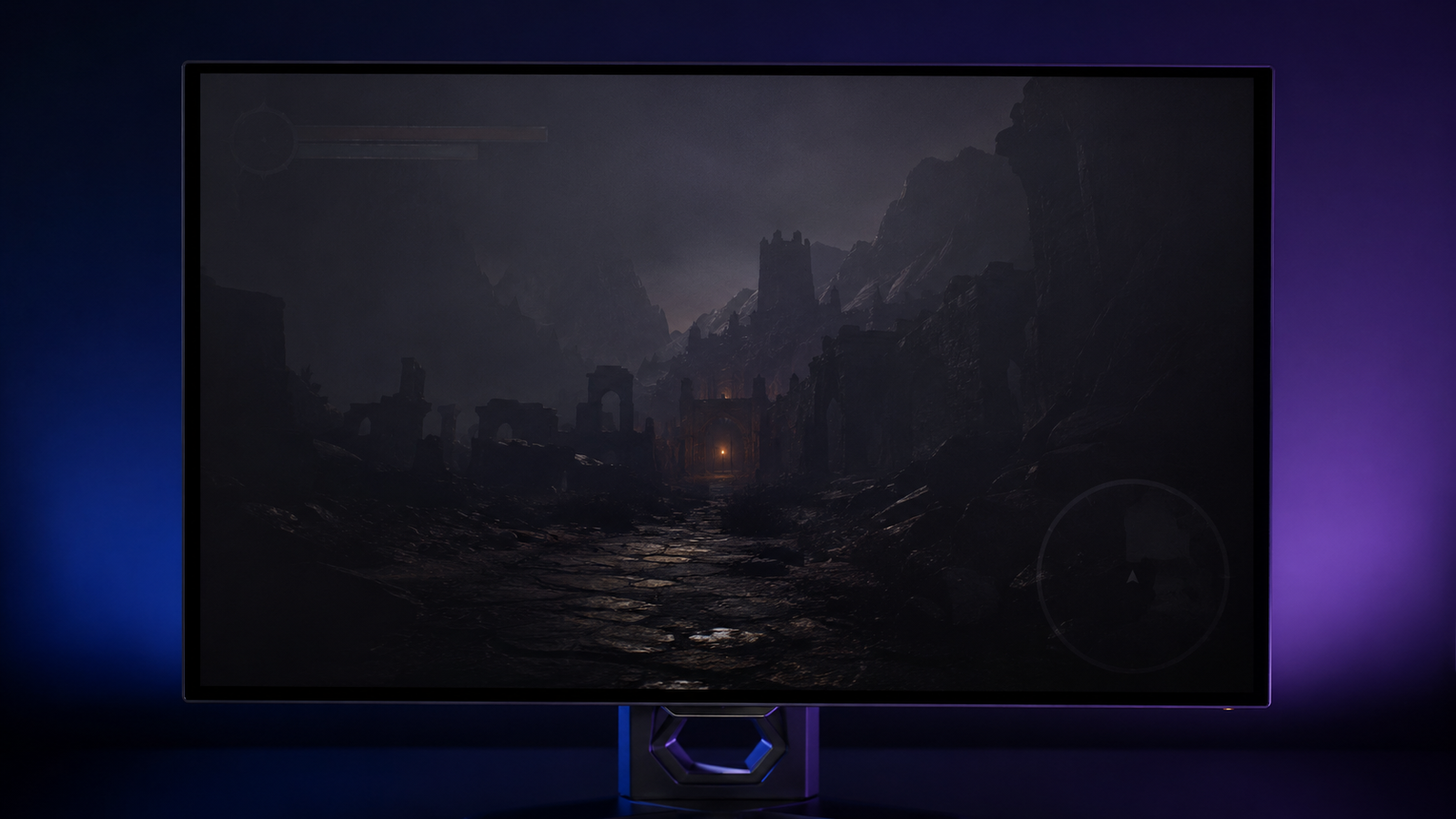
Every OLED pixel produces and controls its own light. A pixel displaying black can switch off completely, creating perfect black without a backlight glowing through the image.
This gives OLED an enormous advantage in dark games. A bright object can appear beside a completely black area without the visible halo that local-dimming LCD monitors may produce.
OLED also has near-instantaneous pixel response. Fast camera movement stays clearer, and high-refresh-rate gaming feels exceptionally direct.
That is why a 240Hz OLED can look cleaner in motion than a 240Hz LCD even though both advertise the same refresh rate. Refresh rate tells you how often the display can update; it does not tell you how quickly each pixel completes the transition.
For single-player games, horror, space settings, racing and fast competitive titles, OLED remains difficult to beat.
Where Mini-LED makes more sense
Mini-LED is still an LCD technology, but it uses thousands of small LEDs arranged behind the panel. Groups of those LEDs can dim independently to improve contrast and HDR performance.
It cannot control every pixel individually like OLED, so bright objects may produce blooming against dark backgrounds. The severity depends heavily on the number of dimming zones and the quality of the monitor’s local-dimming algorithm.
A larger zone count does not automatically guarantee a better picture. Poor software can make an impressive specification nearly meaningless.
Mini-LED’s advantages are easier to understand: it can become significantly brighter, maintains brightness across larger parts of the screen and does not carry the same permanent burn-in risk.
Its conventional RGB subpixel structure also generally produces clearer desktop text than lower-density OLED panels.
That makes Mini-LED the safer option for bright rooms, long working days and mixed productivity-and-gaming setups.
OLED vs. Mini-LED: the practical answer
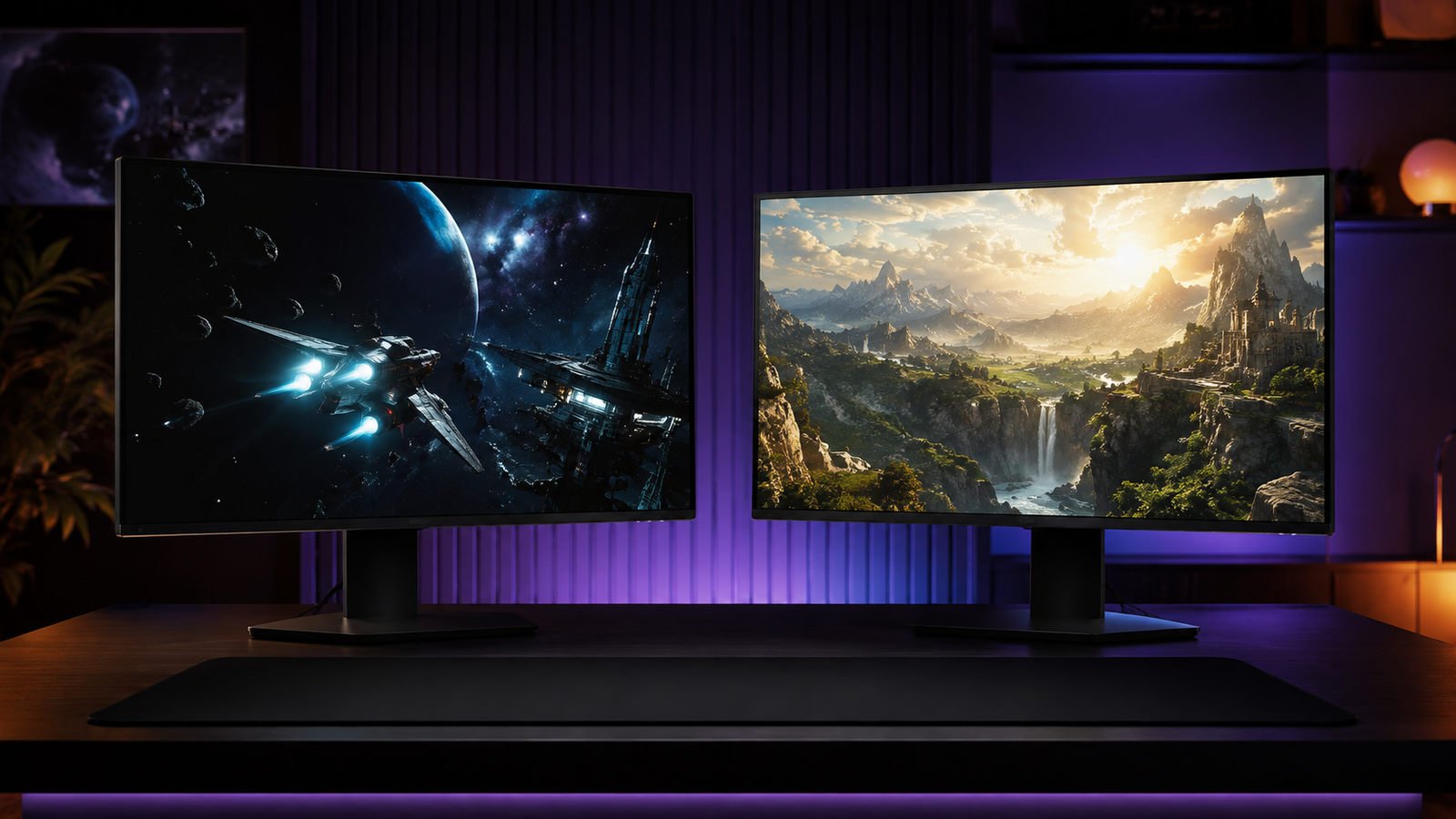
Choose OLED if gaming and media are the main purpose of the display.
It is especially compelling in a controlled or darker room, where its perfect blacks and lack of blooming become immediately visible. It is also the stronger choice when motion clarity matters more than maximum full-screen brightness.
Choose Mini-LED if the monitor must work all day before gaming begins.
It is better suited to static desktop applications, bright rooms and users who do not want to think about taskbars, HUDs or panel-care routines.
Mini-LED may also provide stronger HDR highlights, although its picture quality varies much more between individual models. Independent testing matters more than the Mini-LED label printed on the box.
How to reduce OLED burn-in risk
Use the monitor’s built-in pixel-care and compensation features instead of disabling them because they seem inconvenient.
Allow the display to sleep when it is not being used. Auto-hide the taskbar if the monitor spends many hours on the Windows desktop, and avoid running maximum brightness when the room does not require it.
Varying content helps. So does checking the manufacturer’s burn-in warranty before buying, because coverage differs between brands, regions and models.
None of these steps makes an OLED indestructible. They simply prevent avoidable static exposure without turning ownership into a daily maintenance ritual.
Real Talk: burn-in anxiety can ruin a great monitor
Some buyers purchase an expensive OLED and then spend every session worrying about health bars, browser tabs and whether a pixel refresh has run.
If that sounds familiar, Mini-LED is probably the better purchase—even if OLED produces the more impressive image.
A monitor is not a laboratory sample. It is something you may use for several hours every day. The technically superior panel is not automatically the right panel when its limitations conflict with your routine.
The new longevity results should not create panic. They should correct the idea that modern OLED has somehow eliminated permanent image retention.
It has not. For normal mixed-content gaming, the risk may still be acceptable. For static-heavy daily use, it deserves serious consideration.
IskraCore Take
OLED remains the display technology we would choose for a dedicated gaming setup. Its contrast, dark-scene performance and motion clarity create advantages that are visible immediately—not just in a specification table.
But the newest data makes one thing clear: buyers should stop treating burn-in as an old problem solved by newer model numbers.
Modern OLEDs are brighter and more capable. That improvement has not translated into a simple promise of dramatically longer resistance under extreme static use.
For gaming at night, varied content and a display that is allowed to rest, OLED remains an excellent choice. For eight hours of desktop work followed by the same competitive game every evening, Mini-LED is the more rational investment.
The right answer is not which technology wins. It is which compromise you are least likely to notice after the excitement of buying a new monitor wears off.
Current products to compare
The links below are affiliate links. If you buy through them, IskraCore may earn a small commission at no extra cost to you.