
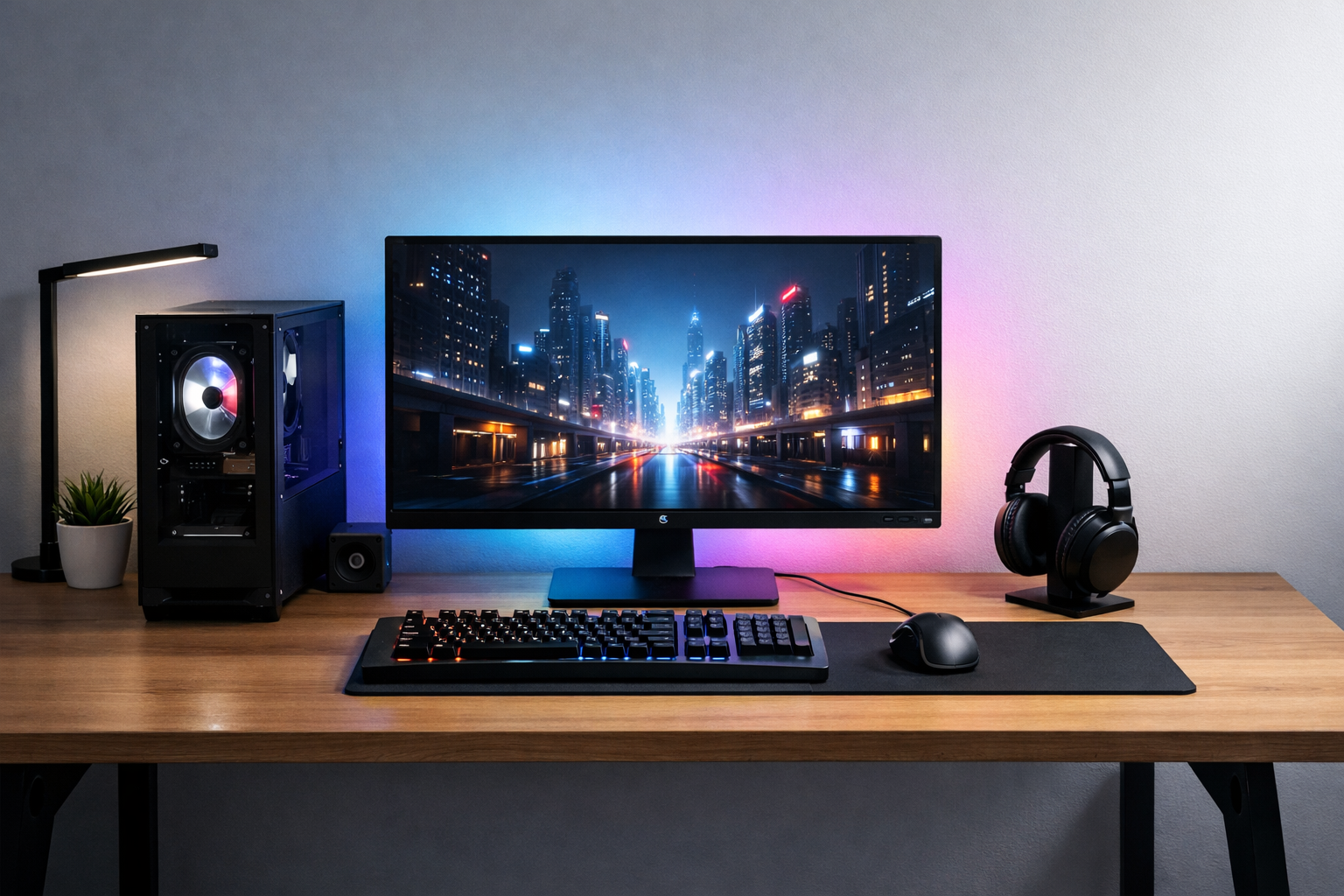

Most “budget gaming setups” online are a joke. They either cut corners where it actually hurts, or they sneak in parts that quietly double the price.
If you’re trying to build something solid in 2026 without burning your wallet, here’s the truth: you don’t need top-tier hardware—you need smart priorities.
This guide cuts the noise. You’ll learn what actually matters, where to spend, and where you can safely cheap out without ruining your experience.
A clean, affordable gaming setup that focuses on essentials
The Only Rule That Matters: Performance First
Forget aesthetics for a second. RGB won’t give you FPS. A fancy desk won’t fix stuttering.
Your budget should always prioritize performance → display → comfort → looks.
Most beginners do the opposite. They spend money on things that look good instead of things that actually improve gameplay.
Core Components (Where Your Money Actually Goes)
1. GPU: Your Main Weapon
This is where you don’t get cheap.
In 2026, budget sweet spots are mid-range GPUs that handle 1080p and even light 1440p gaming smoothly.
If you mess this up, nothing else saves you.
- Target: Stable 60–120 FPS in modern games
- Avoid: “Ultra cheap” GPUs that struggle in new titles
2. CPU: Don’t Overthink It
Here’s what actually matters: no bottleneck.
You don’t need a monster CPU. A solid mid-range processor will handle gaming just fine.
This is where people overspend for zero real gain.
3. RAM: 16GB Minimum (No Debate)
8GB is outdated. Period.
16GB is the baseline for modern gaming and multitasking. If you can stretch, go 32GB—but only if the budget allows it.
4. Storage: SSD or Nothing
If you’re still considering HDD for games, stop.
SSD = faster load times, smoother experience, less frustration.
Start with at least 1TB. Games aren’t getting smaller.
The core components that define your gaming performance
Peripherals That Actually Matter
Monitor: The Most Underrated Upgrade
This is where most people cheap out—and regret it.
A 144Hz monitor will change how gaming feels instantly.
- 1080p + 144Hz = best budget combo
- Don’t chase 4K on a budget setup
Keyboard & Mouse: Keep It Simple
You don’t need “pro esports gear.”
Get something reliable, responsive, and comfortable. That’s it.
Headset: Clarity Over Hype
Ignore marketing buzzwords.
Good audio = better awareness in games.
Focus on comfort and clear sound, not flashy branding.
Real Talk: Where People Waste Money
Let’s be honest.
This is where most setups go wrong:
- Overspending on RGB and aesthetics
- Buying “future-proof” parts they don’t need
- Ignoring monitor quality completely
- Getting a weak GPU just to afford a nicer case
Here’s the reality:
No one cares what your setup looks like if your games run like trash.
Performance first. Everything else comes later.
Step-by-Step: Building a Smart Budget Setup
- Set your total budget (be realistic, not optimistic)
- Allocate ~40–50% to GPU
- Choose a balanced CPU (no bottleneck)
- Add 16GB RAM + 1TB SSD
- Pick a 1080p 144Hz monitor
- Finish with basic peripherals
- Upgrade aesthetics later (if you care)
This approach avoids the biggest mistake: building something that looks good but performs badly.
A smart setup built step-by-step with performance in mind
Optional Upgrades (Only If You Have Extra Budget)
- Better cooling (for quieter system)
- Second monitor (productivity boost)
- Mechanical keyboard
- Clean desk setup
These are upgrades—not priorities.
The Bottom Line
A good budget gaming setup isn’t about spending less—it’s about spending smart.
Get the performance right first, and everything else becomes optional.
If you do that, even a “budget” setup in 2026 will feel fast, smooth, and honestly… more than enough.